Look at a block, run one command, and from then on that block runs a command of its own when somebody right-clicks it, left-clicks it, walks over it, or feeds it redstone. There is no config file to edit. Each block keeps its actions in world/BlockActions/X_Y_Z.txt, and breaking the block deletes the file with it.

Trigger types
| Trigger | Letter | Description |
|---|---|---|
| Right-Click | R |
Player right-clicks the block |
| Left-Click | L |
Player left-clicks (not while sneaking) |
| Touch | T |
Player walks over the block |
| Redstone | S |
Block receives a redstone signal |
Commands
| Command | Description |
|---|---|
/blockaction create <side> <trigger> <command> |
Create a block action (look at the block first) |
/blockaction delete |
Delete actions from the looked-at block |
/blockaction info |
Show all actions on the looked-at block |
Parameters:
- Side:
Sruns the command on the server,Con the client - Placeholder:
<player>is replaced with the triggering player's name
Breaking a block deletes its data file.
Showcase
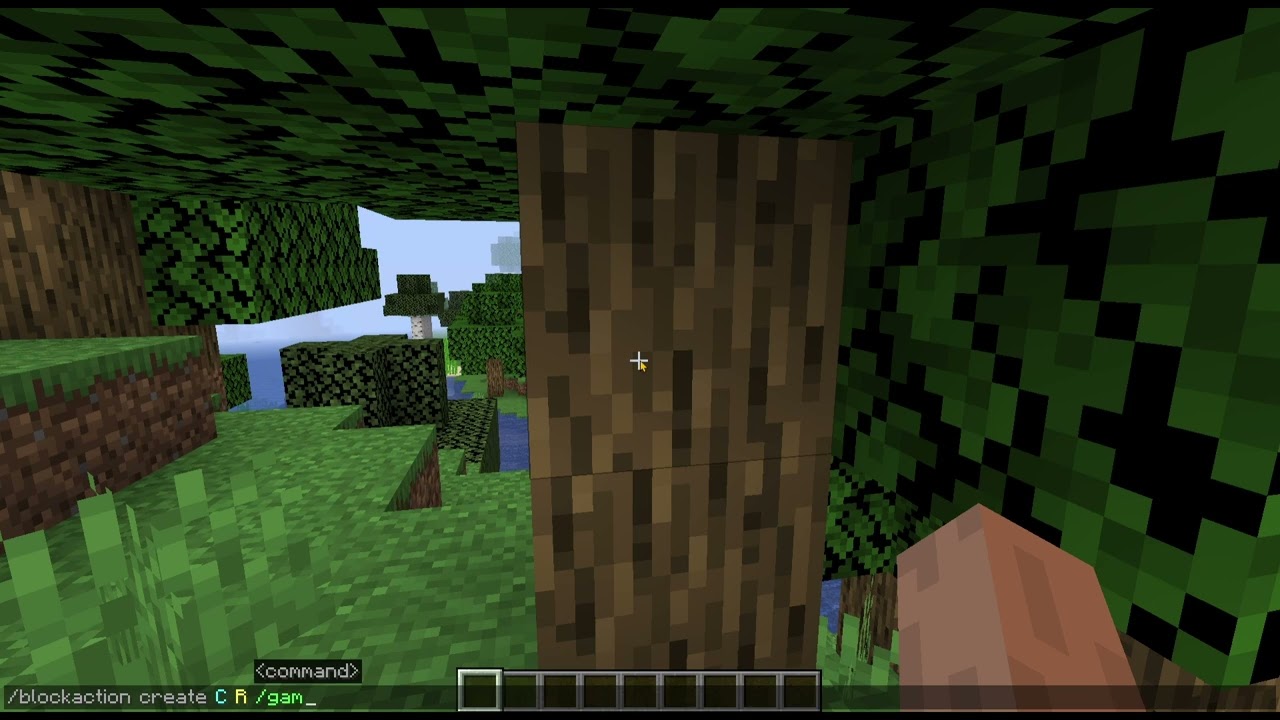
Note: This wiki is the documentation. Questions and bug reports are faster on the Discord server.
