
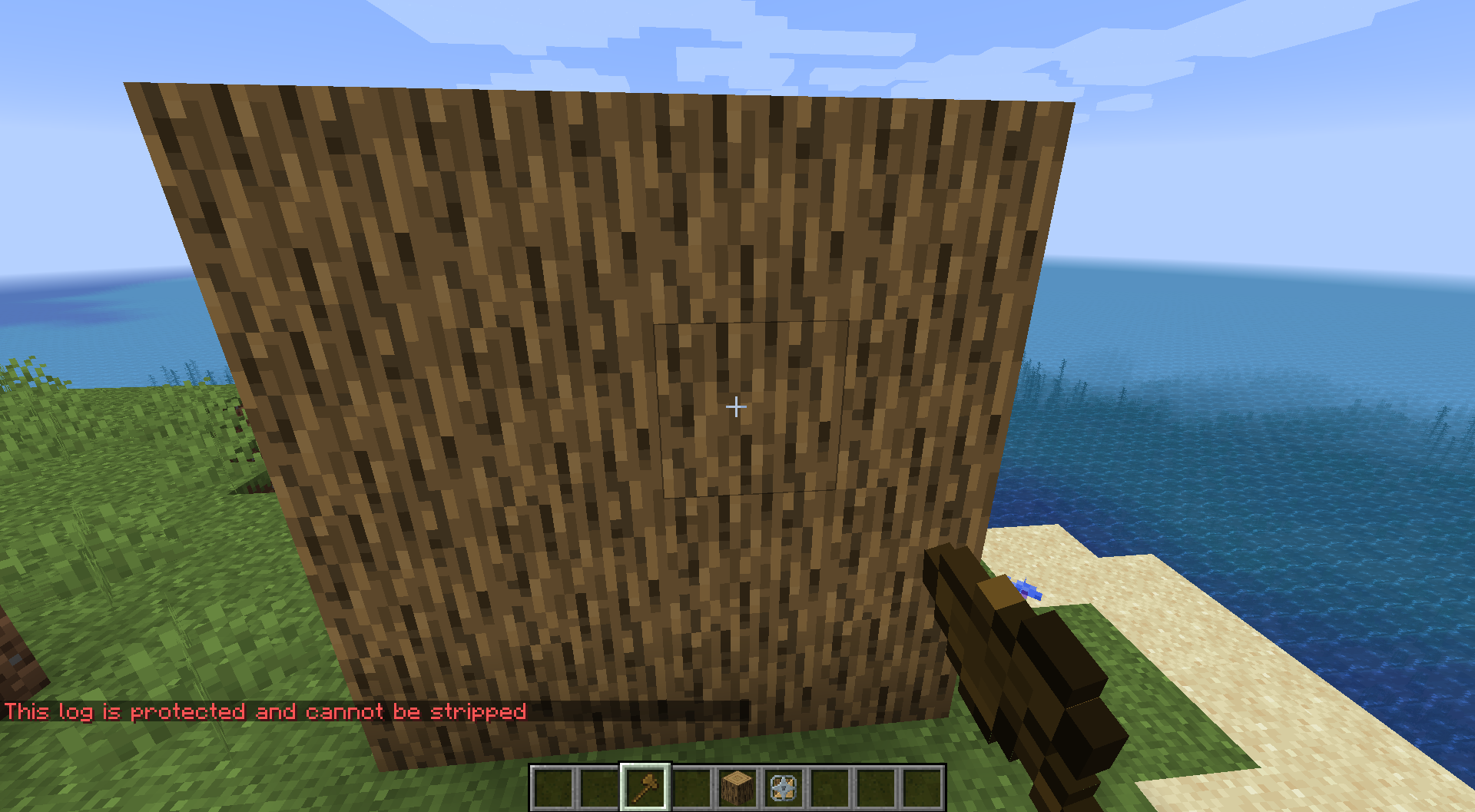
Protects logs from being accidentally stripped with an axe. Use the Log Saver Tool to lock individual logs or select a cuboid area and lock everything inside it at once. Locked logs glow with a green outline.

Usage
Single log: Right-click a log with the Log Saver Tool to lock it. Right-click again to unlock.
Area selection:
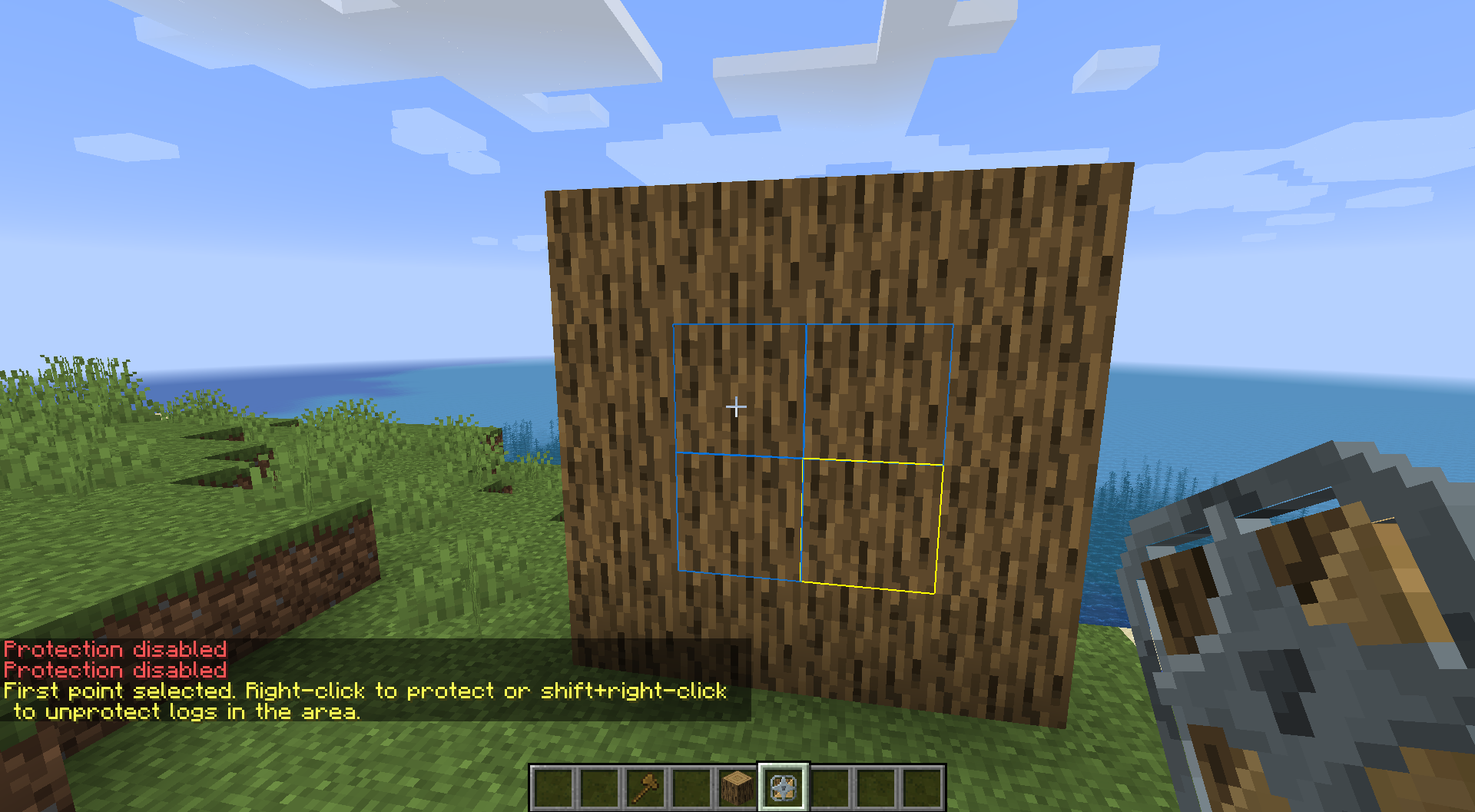
- Shift + Right-click to mark the first corner (yellow outline appears)
- Right-click the second corner — all logs in the cuboid are locked (blue preview while selecting)
- To unlock an area: Shift + Right-click both corners
Crafting
Surround an Iron Bar with 8 logs (any log type from the minecraft:logs tag):
L L L
L I L
L L L
L = any log · I = iron bar → 1× Log Saver Tool
Visual Feedback
The tool renders colored outlines around logs:
- Green — protected log
- Yellow — first selection point
- Blue — live preview of the area being selected
Gallery
Note: This wiki serves as documentation. For active discussion, please join the Discord Server.
