Project

Saro's Slopes

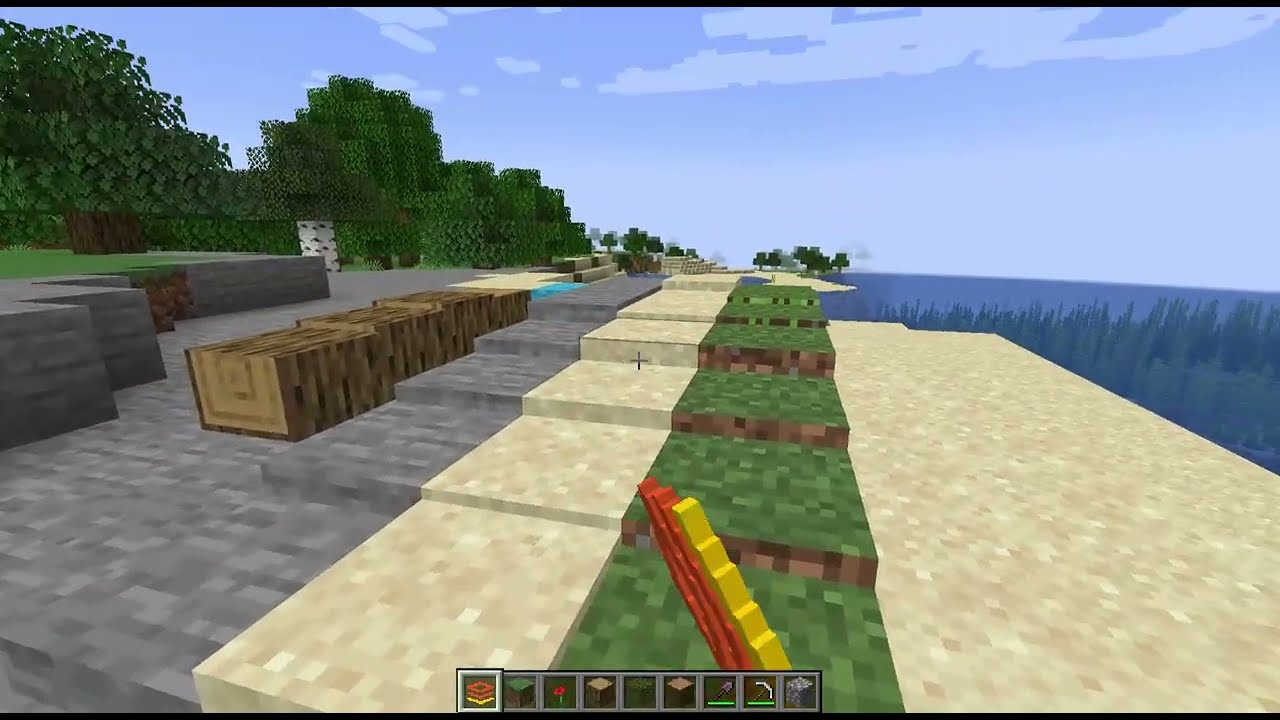
Transform any full block into a custom slope with adjustable height using the Slopes Tool.

Header

Overview

Saro's Slopes revolutionizes building in Minecraft by allowing players to create smooth terrain transitions and architectural details. With a single tool, you can convert vanilla blocks into slopes with adjustable heights.

Description

Key Features

๐Ÿ“ Custom Slope Blocks

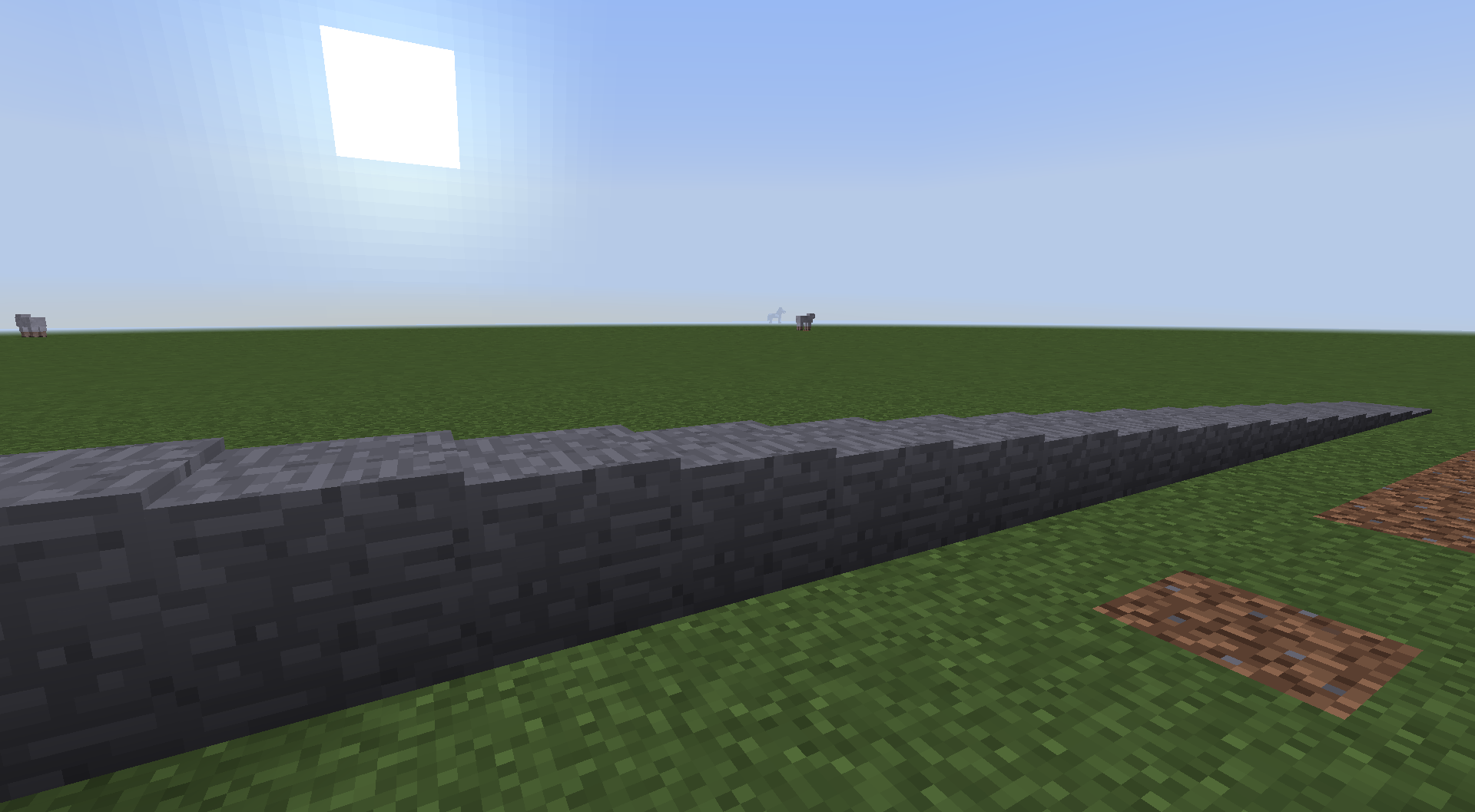
  • Convert Anything: Turn any full block (Dirt, Stone, Wood, etc.) into a slope.
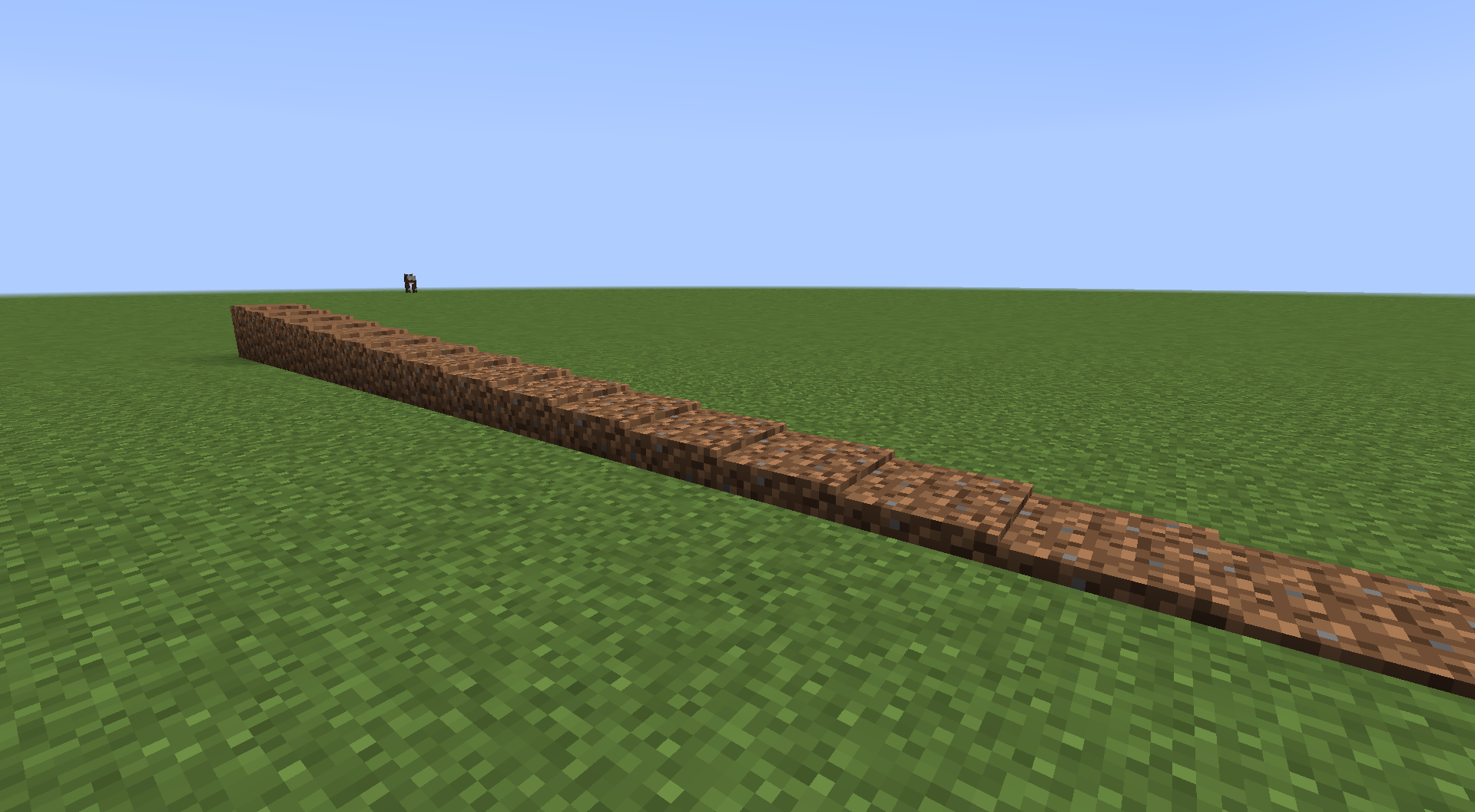
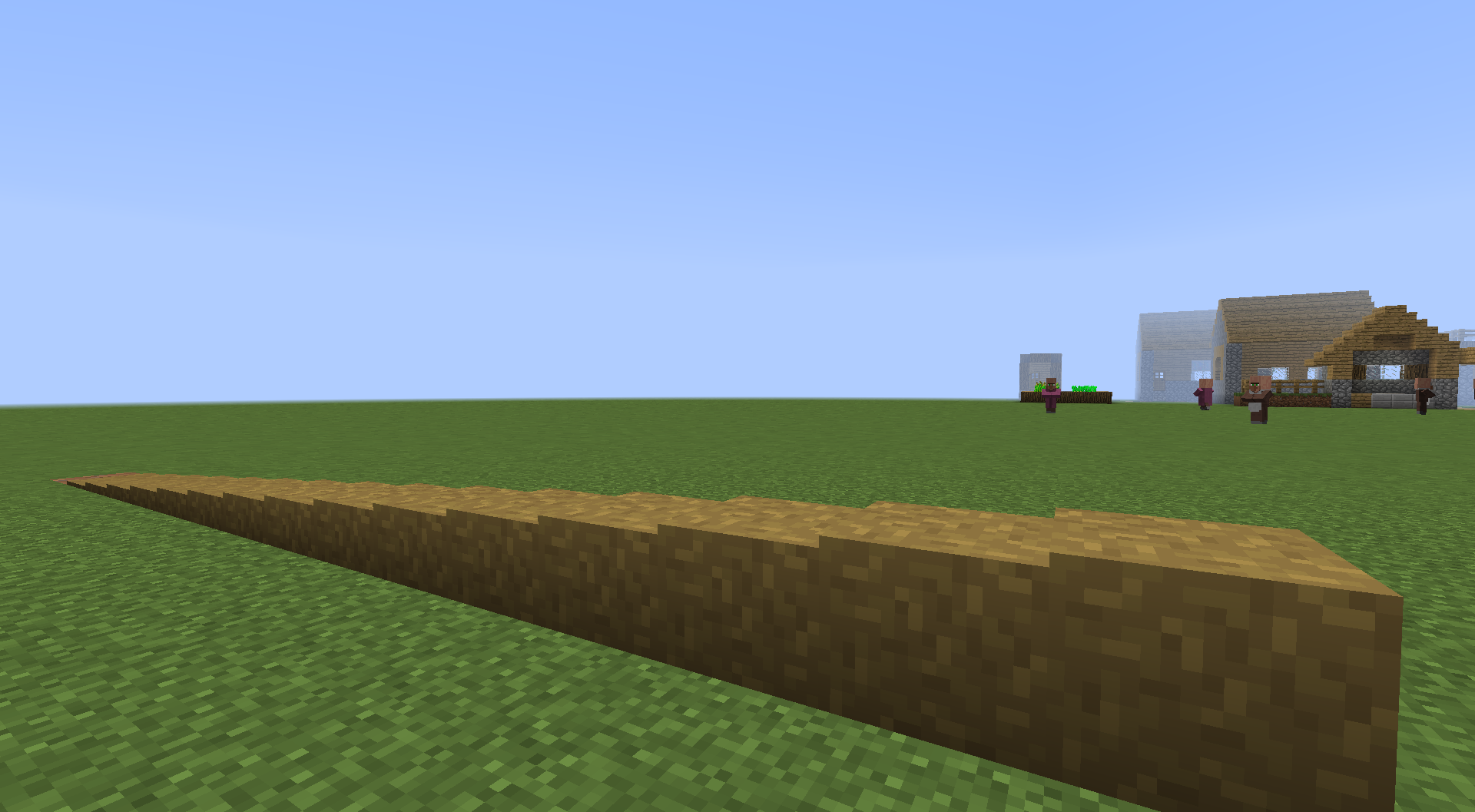
  • Adjustable Height: Create slopes ranging from 1 to 15 steps high.
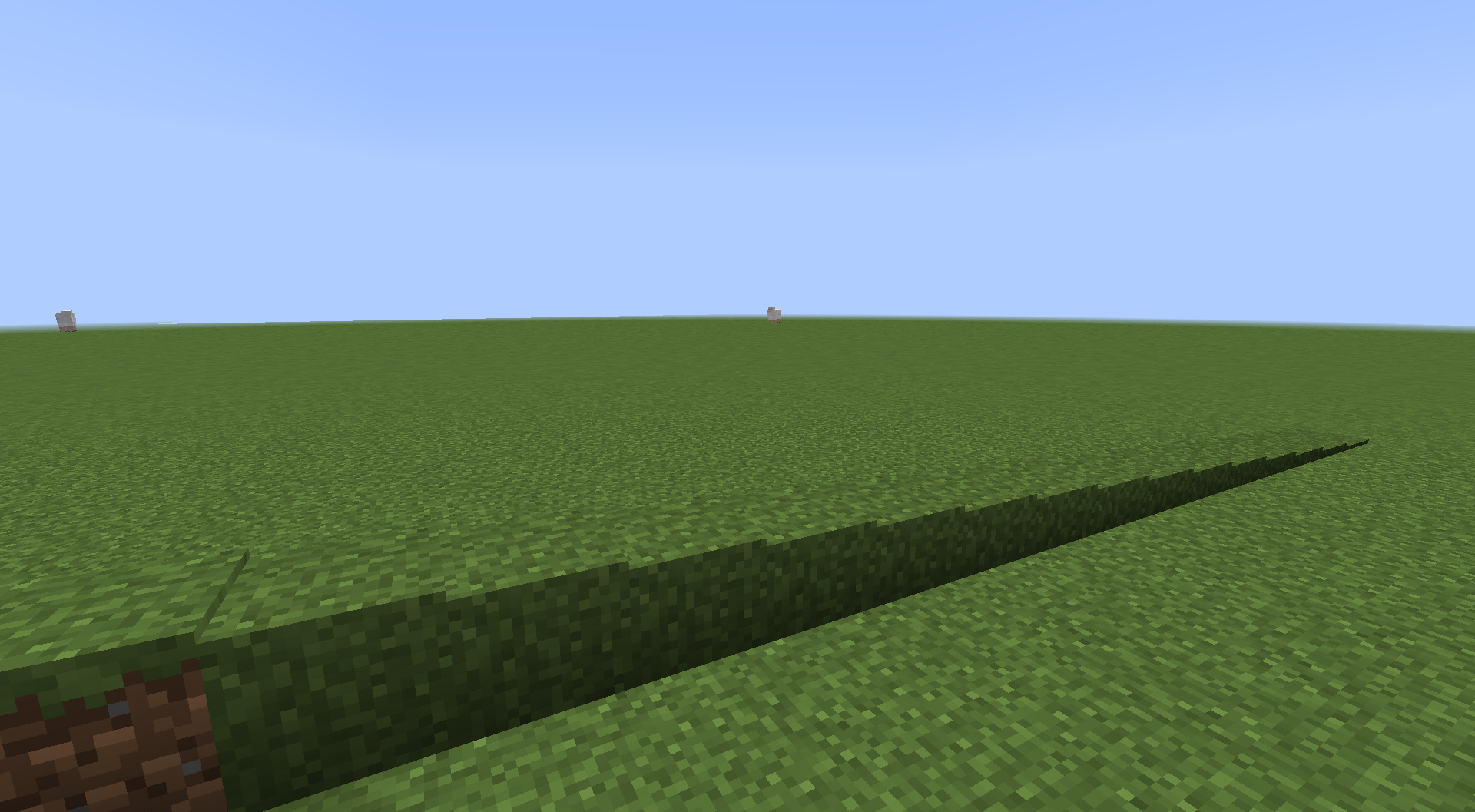
  • Visual Fidelity: Slopes retain the original textures, lighting, and even biome-specific colors (like grass tint).

๐Ÿ› ๏ธ The Slopes Tool

  • Easy Conversion: Simply right-click a block with the tool to convert it.
  • Height Control: Keep right-clicking to adjust the slope's steepness.

๐Ÿง  Smart Detection

  • Safety First: Only valid "full" blocks can be converted. Plants, torches, and complex machines are safe from accidental squishing.

Content

๐Ÿงฑ Blocks (1)

Block Description
Slope Block Slope block with dynamic height (1-15 steps)

๐Ÿ”ง Items (1)

Item Function
Slopes Tool Convert block to slope (Right-click)

๐ŸŽจ Technical Details

  • BlockEntity: Stores original block and height
  • Custom Renderer: Dynamic texture rendering
  • Biome Colors: Grass/leaves retain biome tinting

Gallery

Grass Slopes Dirt Slopes Stone Slopes Path Slopes

Showcase

Note: This wiki serves as documentation. For active discussion, please join the Discord Server.

Featured

Need a Custom Mod?

Concept to code. I build professional, optimized mods tailored to your exact specifications.

Hire me on Fiverr โ†’