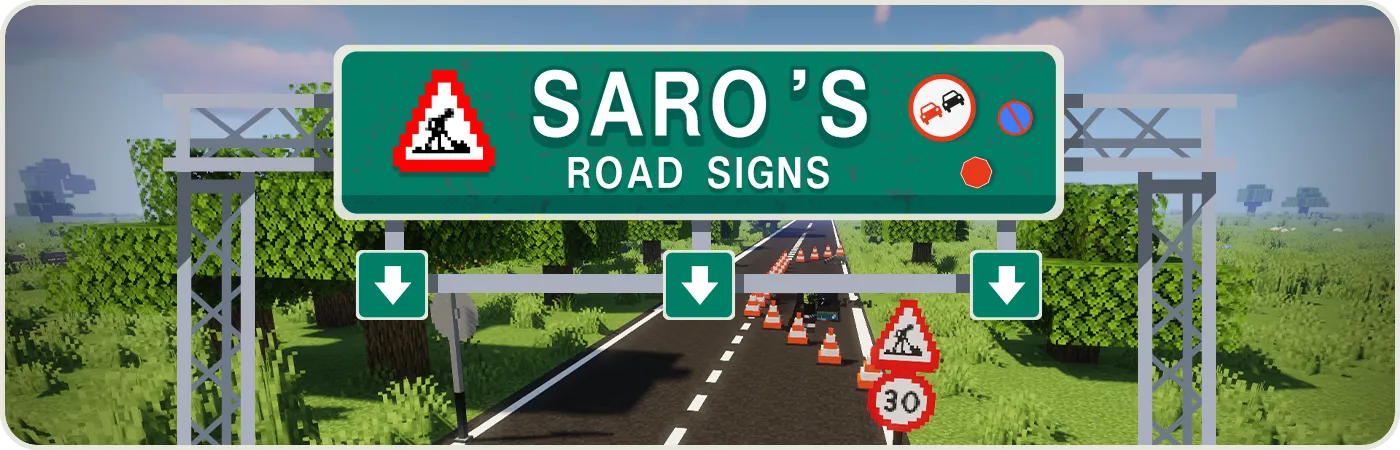
Speed limits, warnings, prohibitions, direction signs, city limit signs, and traffic lights that cycle when you feed them redstone. All of them are real blocks with real behaviour, not a texture on a flat plane.
If 94 is not enough, drop your own PNGs into a folder, describe them in a JSON file, and the mod picks them up as a pack.

Sign categories
| Category | Examples |
|---|---|
| Speed Limits | 30, 50, 70, 80, 100 + end signs |
| Zones | 30-zone, Highway, Tunnel |
| Warnings | Construction, Traffic Jam, Wildlife, Ice, Curves, Wind |
| Prohibitions | No Overtaking, No Entry, No Pedestrians |
| Information | Stop, Priority, Roundabout, Dead End |
| Directions | Left, Right, Straight, Arrows |
| POI | Hotel, Hospital, Camping, Restaurant, Taxi, Lake |
| Pedestrian | Crosswalk, Sidewalk, Play Street |
| Bicycle | Bike Lane, No Cycling |
| Infrastructure | Posts, SOS, Fire Extinguisher |
| City | City Entrance, City Exit |
| Traffic Lights | 5 variants + Controller |
Traffic lights
- Place the Traffic Light block
- Configure via Settings Box (Right-click or Shift+Right-click)
- Power with Redstone to cycle lights
Custom sign packs
Create a folder under .minecraft/saros_roadsigns/packs/your_pack_name/. The mod writes an example pack there on first launch.
Folder structure
.minecraft/saros_roadsigns/packs/
└── my_pack/
    ├── pack.json
    └── textures/
        └── my_sign.png
pack.json
{
  "id": "my_pack",
  "name": "My Pack",
  "version": "1.0.0",
  "author": "YourName",
  "signs": [
    {
      "id": "my_sign_id",
      "displayName": "My Sign",
      "shape": "TRIANGLE",
      "texture": "textures/my_sign.png",
      "text_enabled": false
    }
  ]
}
Sign properties
| Property | Type | Description |
|---|---|---|
id |
string | Unique ID (used in /give as saros_roadsigns:packid_signid) |
displayName |
string | Inventory name |
shape |
enum | TRIANGLE, ROUND, RECTANGLE, DIAMOND, OTHER, CUSTOM |
texture |
path | Relative path to PNG |
text_enabled |
bool | Allow text on the sign (lines 1 to 4) |
If text_enabled: true, additional options: text_h_align, text_v_align, text_offset_x, text_offset_y, text_size.
Using custom signs in-game
Custom signs stay out of the Creative inventory. To get one:
- Hold the Paint Brush in your hand
- Right-click in the air to open the sign selection GUI
- Find your sign under your pack name and select it
Reload packs without restarting: /saros_roadsigns reload
Tools
| Tool | Function |
|---|---|
| Paint Brush | Paint signs / access custom sign GUI |
| Tuner | Configure traffic lights |
Showcase
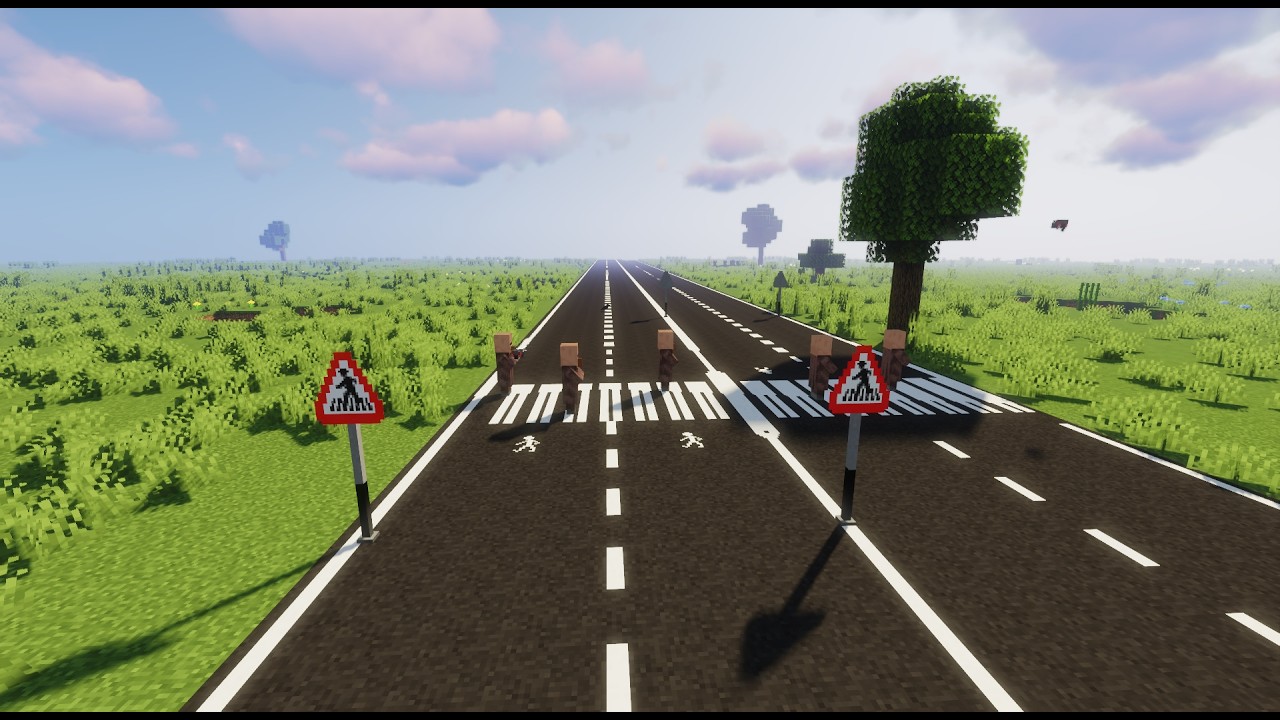
Gallery


Texture credits: Traffic control
Note: This wiki is the documentation. Questions and bug reports are faster on the Discord server.
